A face for your space.
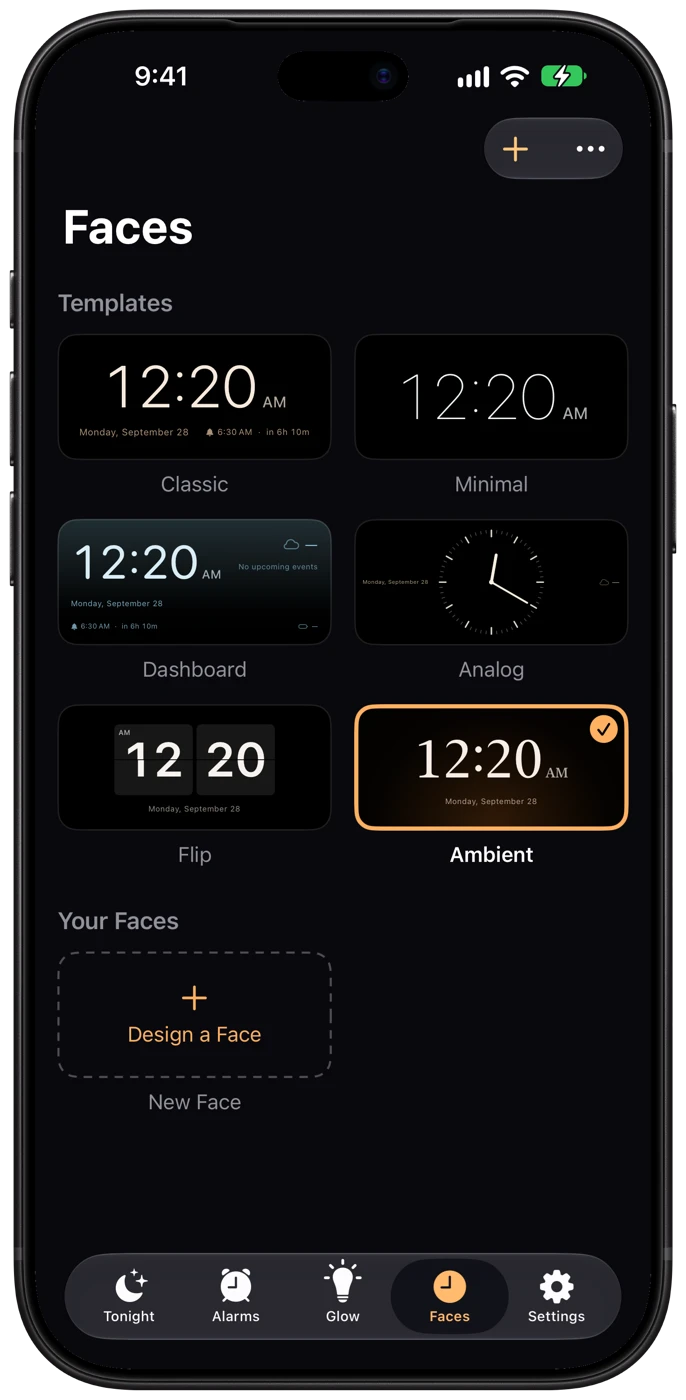
Choose a clock template with the essentials: time, date, next alarm, weather, battery or your next calendar event.
A little more nightstand. A little less phone.
Your clock. Your glow. Your morning.
Turn your iPhone into a bedside companion that feels entirely your own.
Coming soon for iPhone Duo and iPhone · No account required · No ads*
*YouTube videos you add may include ads from YouTube.
Designed for iPhone Duo. See what works on other iPhones →
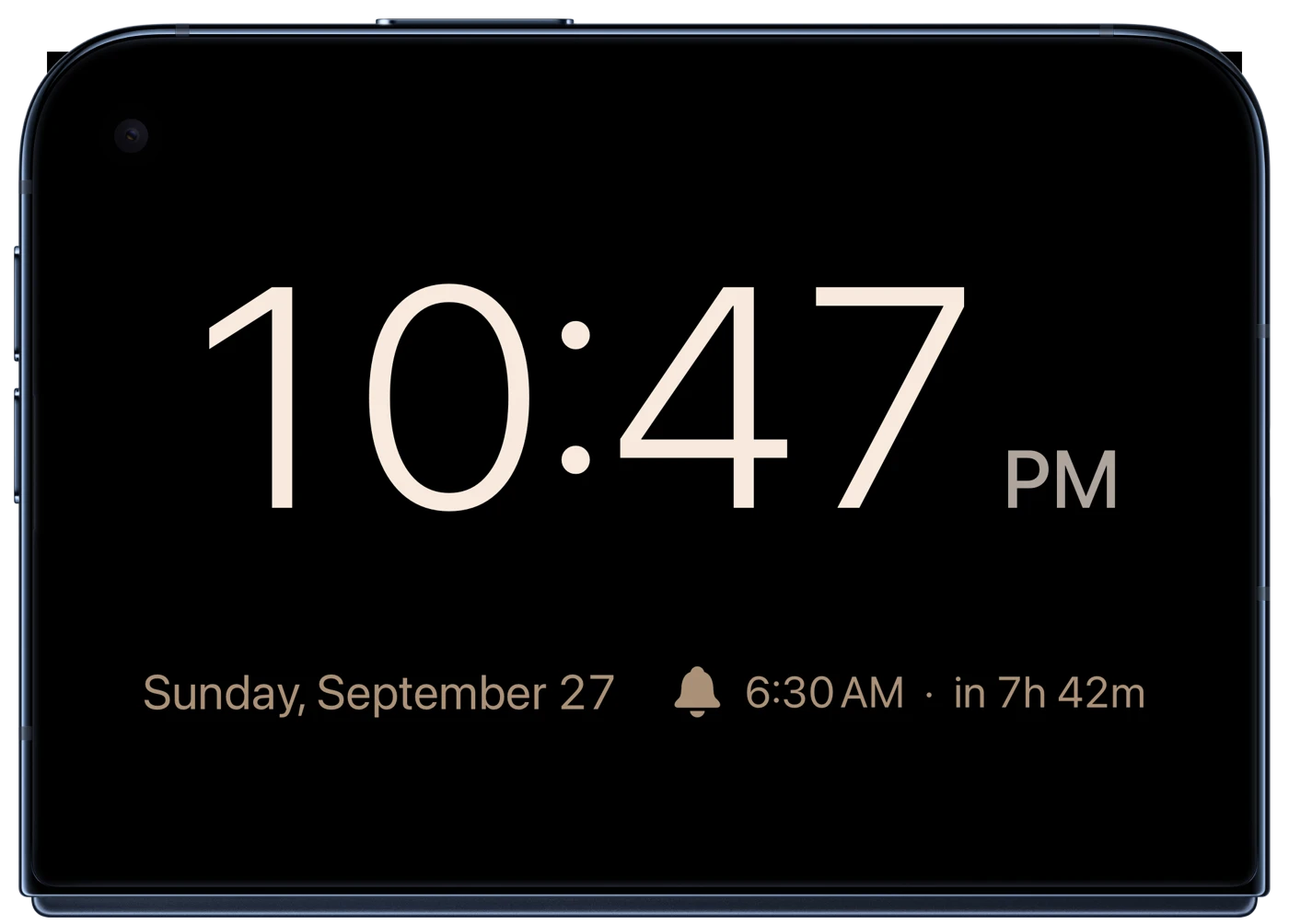
Actual app screenshot in an iPhone Duo product frame
Made for your bedside
The time, tomorrow’s alarm, a little weather. Just what you want to see, in a face you love.
Choose a clock template with the essentials: time, date, next alarm, weather, battery or your next calendar event.
Set a soft glow, lower the brightness, and turn on night dimming or red shift for a quieter bedside display.
A favorite sound. A meaningful photo. With Premium, a video or a different wake-up scene for each day.
Two ways to settle in
Designed around the fold. Familiar on every supported iPhone.
Stand iPhone Duo in an inverted V with the outer display facing you. A clear, spacious clock belongs right where you can see it.
Open Duo like a small laptop. The upright half holds your clock; the lower half becomes your color-selectable night light.
Pose illustrations are conceptual. On other iPhones, use the standard nightstand display.
Set the mood
Warm amber. Quiet lavender. A shade that’s just yours. Choose the color and brightness, then let your nightstand fit the room.
With Premium, schedule a fade-out at bedtime and a gradual sunrise before your alarm. Light and audio can follow their own timing.
The fold-out night light needs iPhone Duo. On other iPhones, the glow tints the background of your clock face.
Explore glow settings →Wind down. Tomorrow can wait.
Warm amber · Interactive illustration; does not change your device brightness.
Ready when you are
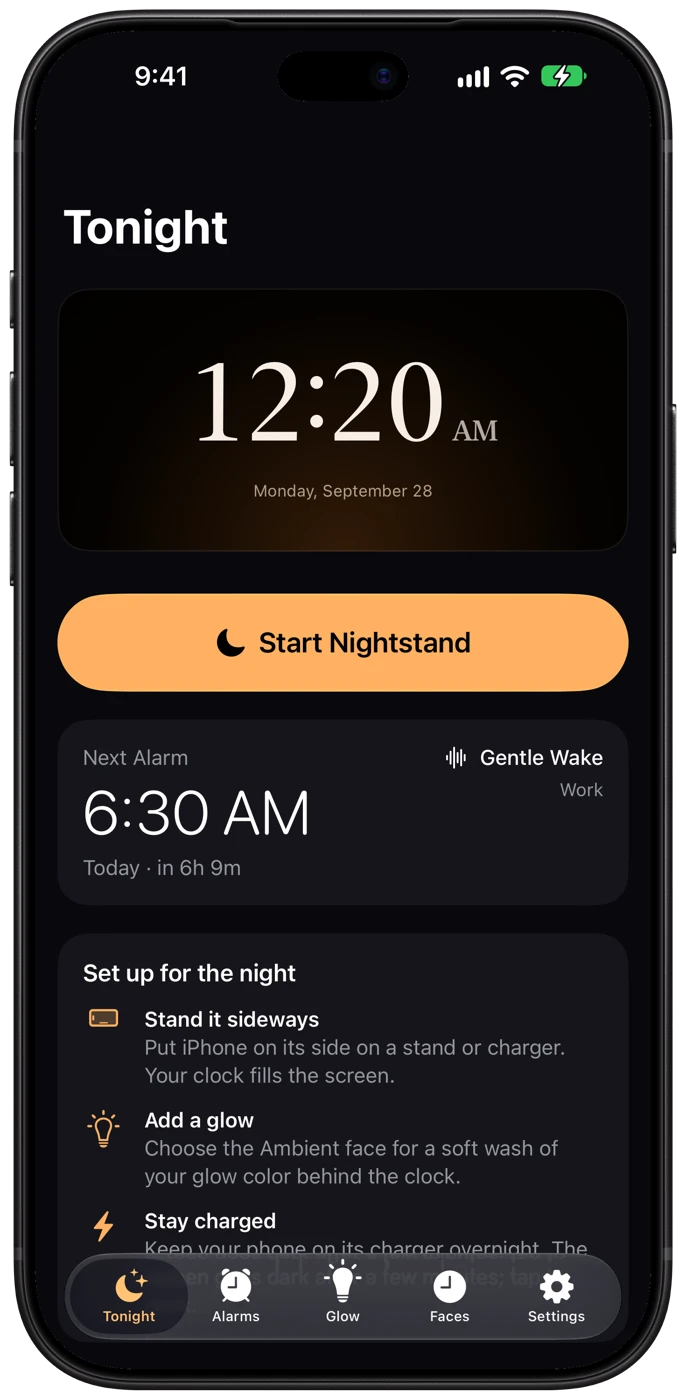
Choose your face. Set your alarm. Tap Start Nightstand. Keep Foldstand open and your phone charging for the full clock, glow and media experience.
Foldstand also schedules a system alarm through AlarmKit. If the app isn’t open, the system alarm uses a built-in sound rather than your custom media.
Understand alarms and backup behavior →Listen to your morning
Start with a built-in sound or bring your own audio from Files. Premium adds more sound choices, video and streaming URLs.
Tap to preview actual included sounds. Audio plays only when you choose it.
Make room for a slower evening
No feed. No account. Just your nightstand.
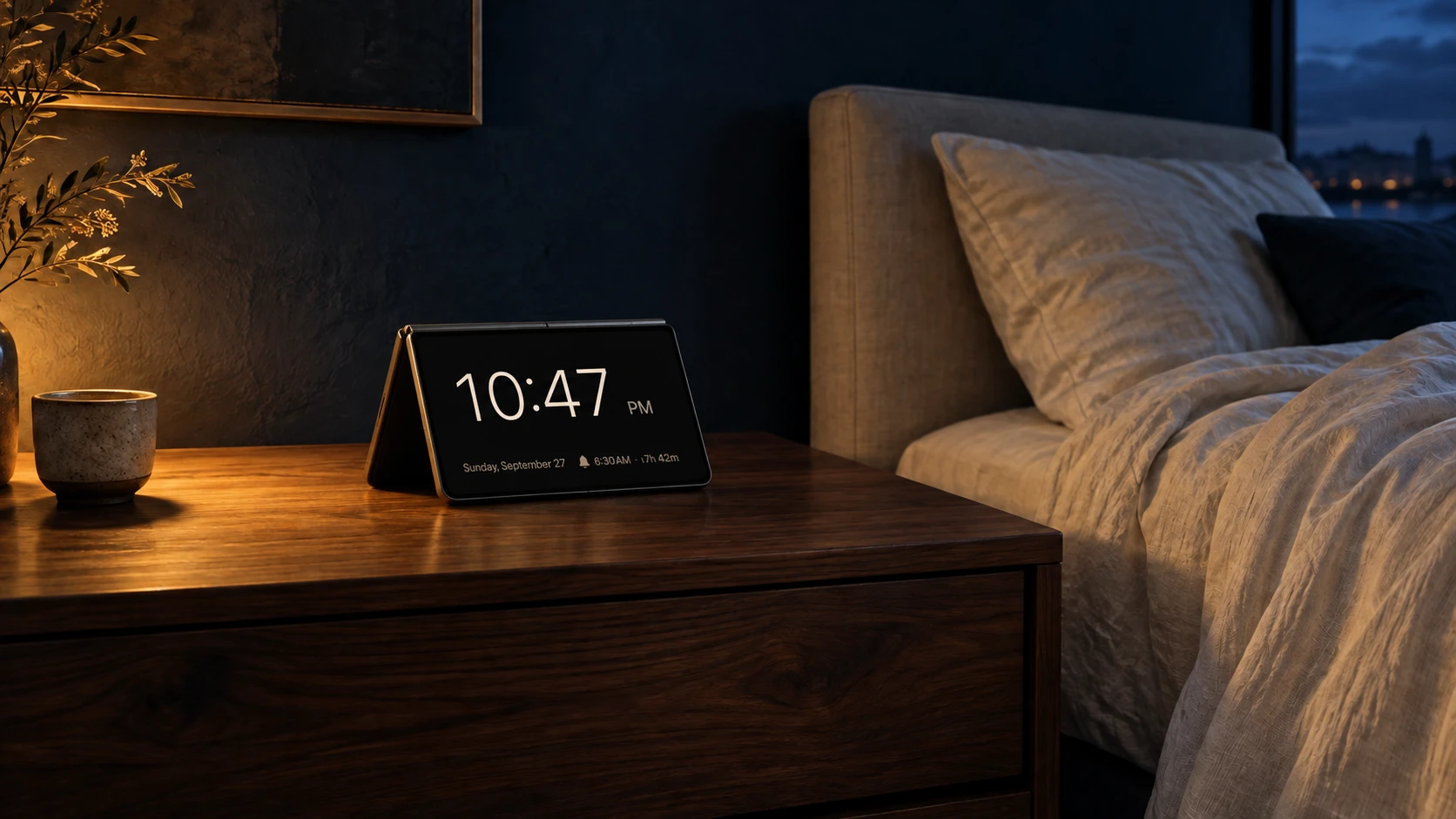
Illustrative device concept with Foldstand. Not an official hardware photograph.
Before you buy
Foldstand is designed for iPhone Duo and also runs on any iPhone with iOS 27.1 or later, with fewer features.
iPhone Duo
Other iPhones
Not available: Tent and Glow modes, the fold-out night light, and the inner-display wake glow. The glow appears only as a soft color wash behind faces that use the Glow Wash background, so sunrise and glow fades tint that background instead of lighting your nightstand.
Start simple. Make it yours.
Buy the essentials once. Add Premium when you want more ways to personalize.
Foldstand Basic
$1.99 introductory price
for the first 30 days after launch.
Foldstand Premium
or $9.99 / year
Premium subscription, in addition to the app.
New subscribers get a 1-week free trial. After the trial, your plan renews at $0.99/month or $9.99/year until canceled. Prefer to pay once? Lifetime Premium is a $79.99 one-time purchase in the app.
Prices shown in USD; local pricing and trial eligibility appear in the App Store. Manage or cancel subscriptions in your Apple Account settings. App Store terms at purchase control.
Foldstand is getting ready for its App Store debut.